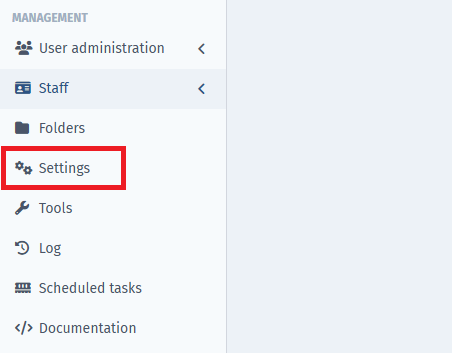
To create new ledger accounts click on “Settings” under Management-section.
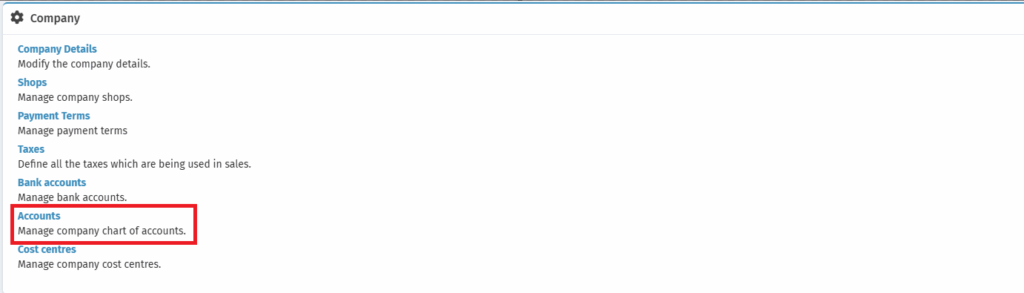
Next click on “Accounts” under the Company-section.
In order to create a new ledger account, click on “New Account”.

You will be asked to enter a number, name and what kind of ledger account it is and click “Save”.

This is extremely helpful if you wish to track sales for e.g. when you create additional payment methods.
Comments
0 comments
Please sign in to leave a comment.